


01
What changed
More people now shop the way they'd ask a friend. They type a request like "polarized sunglasses for a small face, under $200" into ChatGPT, Gemini, Perplexity or Copilot. The assistant reads what it can find about products, compares them, and hands back a short list with links.
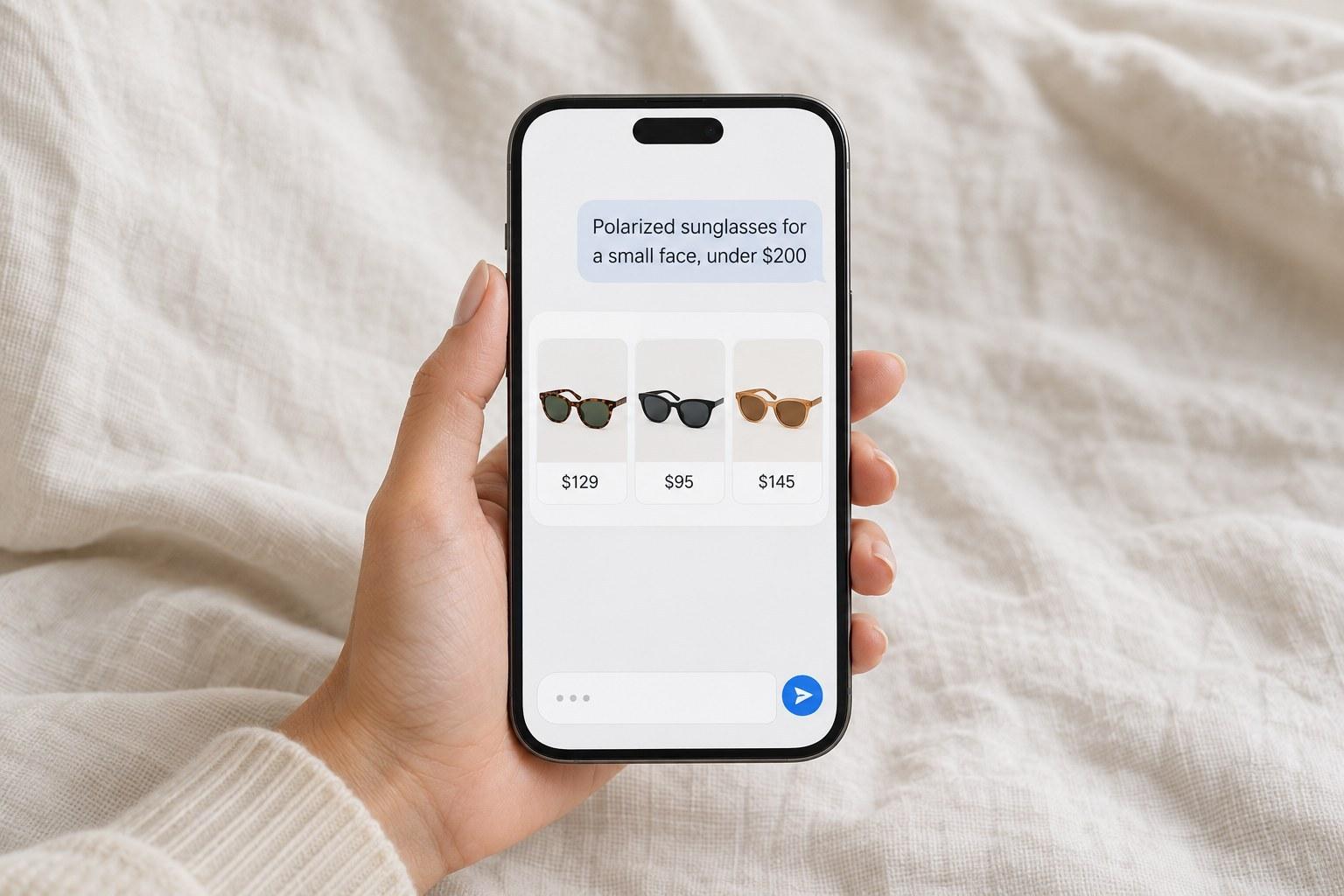
Those links usually point to a product page, not a homepage. So the visitor arrives already knowing why this product might suit them, but knowing almost nothing about the brand behind it. Shopify is building for this too, connecting store catalogs to AI shopping tools.
That changes two jobs. The product page now has to introduce the brand. And the product information has to be complete enough for software to understand, because a machine can't guess at what a photo implies.
02
Write for a reader that reads everything
An assistant can't admire a campaign photo. It reads the product title, the description, the specifications and the reviews. If the answer to a shopper's question isn't written down, the assistant has nothing to match it to.
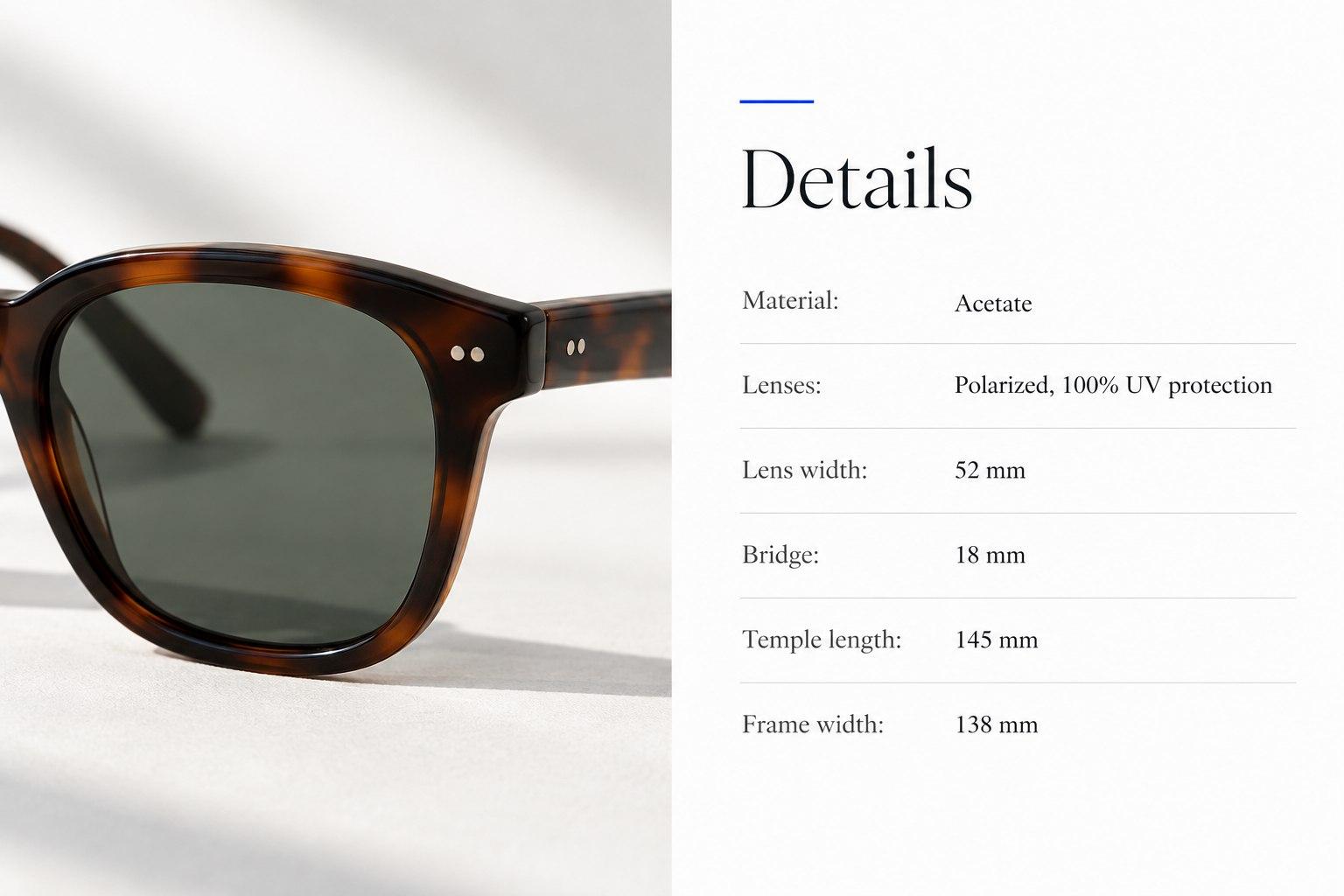
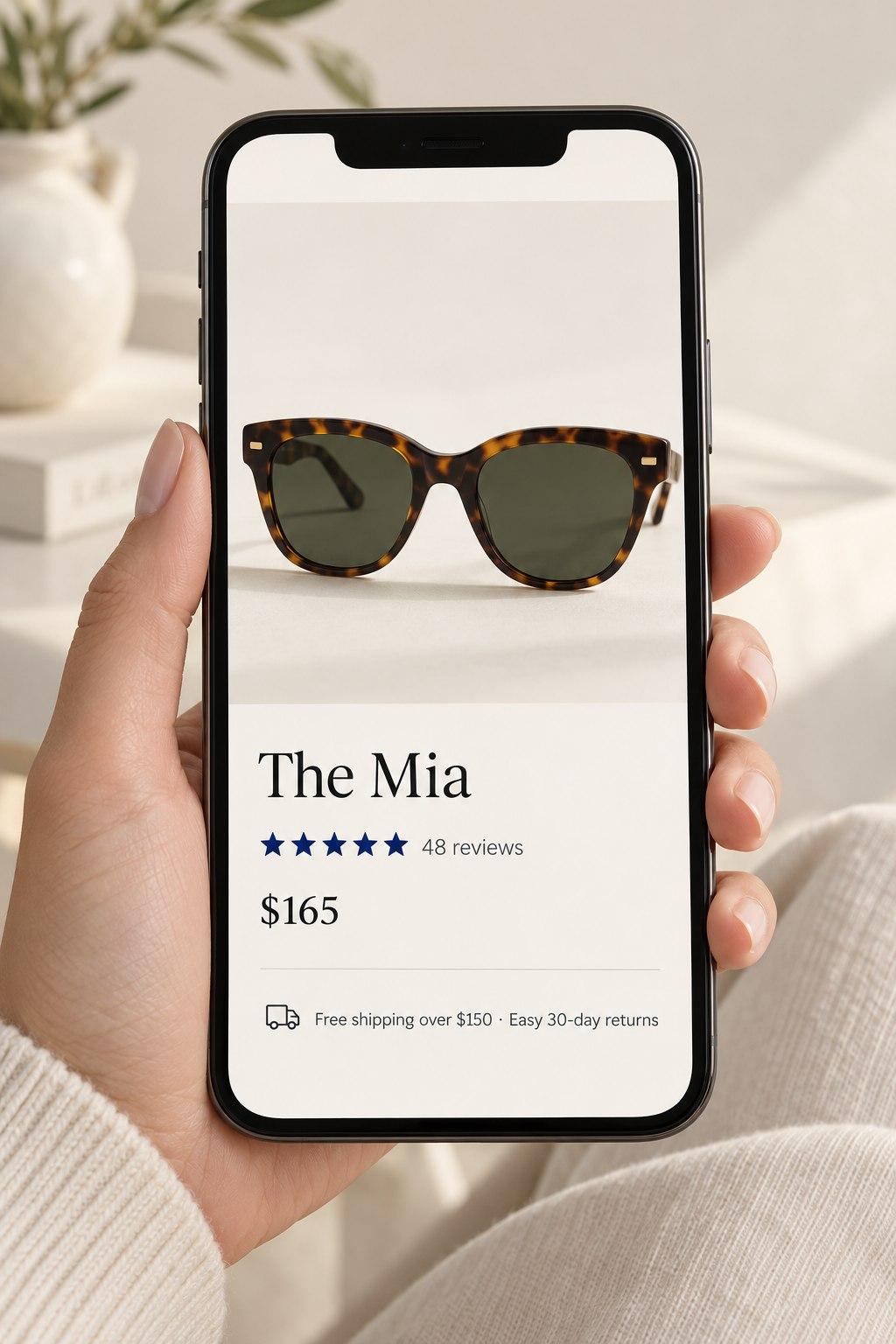
- Say what it isKeep the product's name, but add the type. "The Mia" tells a machine nothing. "The Mia, acetate cat-eye sunglasses, polarized" tells it three things a shopper might ask for.
- Put the specifics in wordsSize, materials, fit, care, what's in the box, who it's for. If the only place the frame width appears is a sizing graphic, a machine can't read it.
- Store specs as fieldsShopify lets you add metafields: extra labeled fields on a product, such as "Lens width" or "Material." A fact stored in its own field is easier for any software to read than the same fact buried in a paragraph.
- Show the product plainlyKeep the mood photography, but add at least one clear image that shows the product's shape and scale on a plain background.
A lookbook-style product page can still work. If you want the page itself to stay minimal, the details can live in metafields that feed your catalog without crowding the design.
03
Make colors and sizes explicit
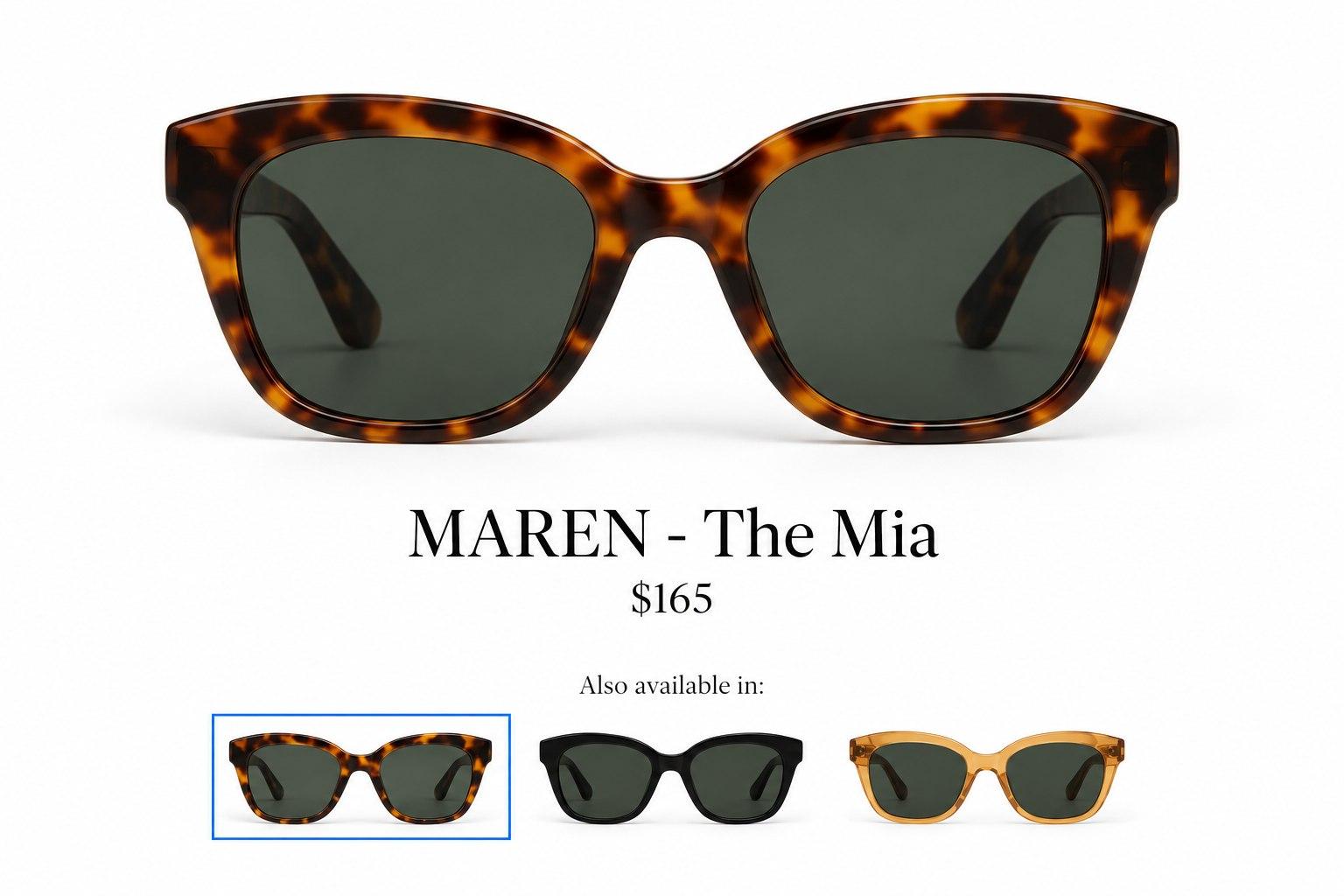
A person can see that five colors belong to the same bag. Behind the scenes, many stores set those colors up as five separate products tied together by a collection or custom code. To software, they can look like five unrelated items.
Shopify calls the options on a single product variants: the sizes and colors a shopper picks from. Where your colors really are one product, make them variants. Where they have to be separate products, for example because each color has its own photos and page, connect them with Shopify's combined listings (on Shopify Plus) or a product metafield that names the group. The aim is simple: the relationship a shopper sees should also be written down.
04
Answer the questions that stop a sale
A product can match a shopper's request and still lose the sale on a practical doubt. Will it arrive before my trip? Can I return it if the fit is wrong? Does the finish scratch?
Answer those on the product page in plain text: shipping times, the return window, sizing advice, care. Collapsible sections are fine, as long as the text is on the page and not only in an image. Keep your store policies current too, since AI tools read those as well.
05
Tell the brand story where they land
If the homepage is being skipped, the product page has to carry a little of what the homepage used to say. That doesn't mean a long story. A few elements are enough:

- One line on who you areNear the price or just below the fold. For example: "Designed in Los Angeles, made in small runs."
- Proof from other buyersReviews with photos, press mentions, or awards, close to the add-to-cart button.
- A way to go deeperA link to the brand story or the collection for the shopper who wants to know more before buying.
06
A checklist for your next hour
Open your three best-selling product pages and check each one:
- TitleDoes it name the type of product, not just its nickname?
- SpecsAre size, material and fit written in text, ideally in their own fields?
- ImagesIs there one plain, clear image of the product itself?
- VariantsAre the colors and sizes connected to each other?
- DoubtsAre shipping, returns and sizing answered on the page?
- BrandCould a first-time visitor tell who you are without leaving the page?
Every "no" is a small, cheap fix, and it helps human shoppers as much as it helps software.